Contact immediately


Choosing a 4 Color Screen Printing Machine in 2026 is less about chasing the highest advertised speed and more about matching the press to real jobs. Picture a busy shop: four-color artwork, a stack of cotton shirts, and a tight delivery window. Setup time, registration control, operator skill, and reliable parts can matter as much as the machine’s headline output.
Grand View Research estimated the global screen-printing market at USD 3.9 billion in 2023 and projected a 4.8% compound annual growth rate from 2024 to 2030. That figure covers the broader screen-printing market, not four-color machine sales, so it should be read as context—not a purchasing forecast. For a shop owner, the useful questions are more concrete: How many repeat orders run each week? How often do jobs change? Will manual loading create a bottleneck?
Screen-printing business consultant Marshall Atkinson is a relevant expert voice on production workflow. However, without a verifiable source for his exact words, attributing a direct quotation would be unreliable. The principle remains practical: judge equipment by how well it fits repeatable work, staffing, and shop flow—not by peak speed alone. Small details matter. A poorly placed control or slow screen change can steal minutes across a full shift.
This guide compares the factors that deserve close inspection, from print area and registration to maintenance and support. Some trade-offs are not tidy. A lower-cost press may suit a growing shop, yet leave less room for future volume. The right choice depends on your actual production mix.
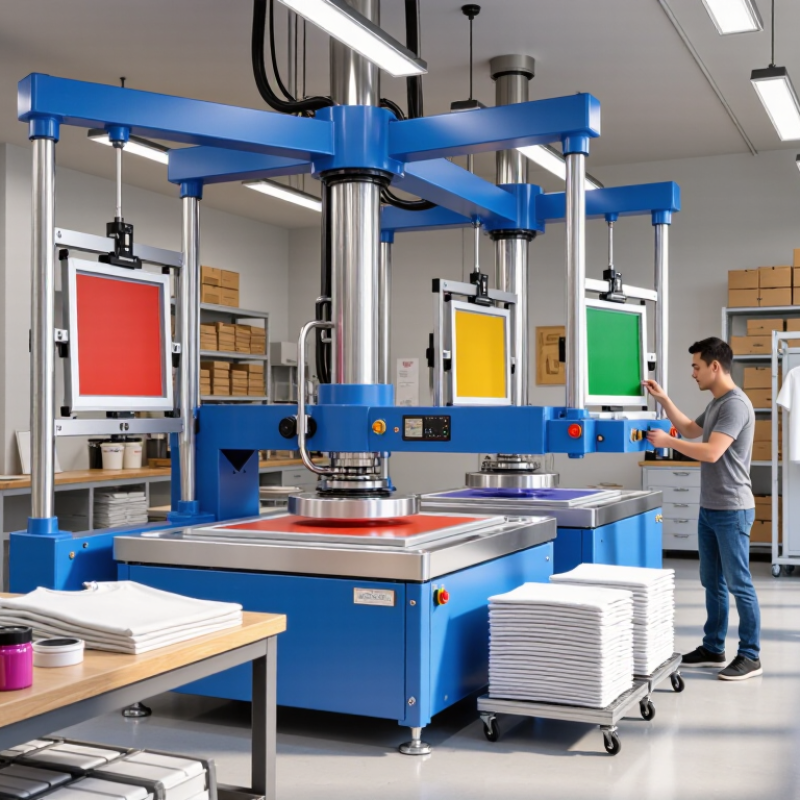
Before choosing a four-color screen printing machine, define what you will print each week. List garment types, fabric weights, design dimensions, and realistic order volume. A shop printing 40 cotton shirts on weekends needs different capacity from one handling 300 mixed-fabric pieces daily. Start with the numbers. Also note who will operate the press and how much floor space is available; an extra station is not useful if operators cannot move comfortably.
Tips: Track your busiest week, not just average sales. Measure your largest artwork and test the actual garment or material. Ask operators to estimate setup and cleanup time, too. Their hands-on feedback often reveals bottlenecks that a spreadsheet misses. Keep it realistic.
Then set print goals: repeatable color registration, acceptable output per hour, and the level of detail customers expect. A four-color press can support layered designs, but each screen adds setup work and requires consistent alignment. If jobs change often, prioritize quick adjustments and easy access to controls. If designs repeat, stability and a comfortable working height may matter more. There is no perfect target; early estimates can be wrong. Record test-run results, revise your assumptions, and compare machines against your needs rather than chasing a headline production speed.

How to Choose a 4 Color Screen Printing Machine in 2026?
Understand 4-Color Screen Printing Machine Configurations
A four-color machine usually has four print stations, allowing four screens to print one garment in sequence. Check whether the press is manual or automatic, and whether each station has an independent print head. A four-station, four-head layout is common, but pallet size, print area, and adjustment range matter just as much. For small runs, a manual press can offer useful control. Larger, repeat orders may benefit from automation and consistent indexing.
Grand View Research’s Screen Printing Market report estimated the global market at about US$3.4 billion in 2023, with projected growth through 2030. That signals continuing demand, not a guarantee that a particular machine will fit your shop. Compare the usable print area with your largest artwork, and check micro-registration, off-contact adjustment, and screen-frame compatibility. A crowded layout can make access awkward. I would test a real four-color job before deciding; specifications alone can be misleading.
Tips: Ask for a live registration test. Inspect how easily the operator reaches each screen, and confirm that pallets can be changed without tools if your workflow needs frequent changes. A few minutes saved per setup adds up.
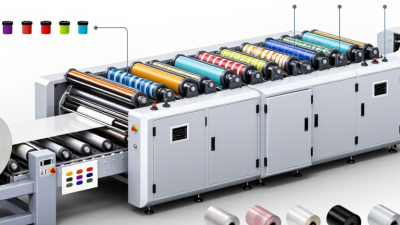
Understand how print-head and platen-station counts shape a 4-color press configuration.
Each configuration has four print heads for four colors. The station count indicates the number of platen positions: more stations can provide additional room for loading and unloading while printing, but do not add colors. Choose based on available space, workflow, and production needs. Counts describe machine layouts, not guaranteed output rates.
In 2026, compare four-color presses by matching usable print area to the largest design you actually run. A 16-by-20-inch platen may suit standard shirts, while oversized artwork needs more room and careful garment placement. Measure the image, not just the shirt. Leave a small margin for registration shifts and ink spread. It matters.
Registration determines whether four layers land cleanly on top of one another. Check the adjustment knobs, pallet stability, and how firmly each screen locks in place. During a shop test, print a fine crosshair or narrow text in all four colors; even a slight shift becomes obvious. Ask how repeatable setup is after rotating the carousel. A press can feel solid, yet drift under repeated use. That is worth checking.
Production capacity is more than a claimed hourly number. Consider loading time, flash curing, operator experience, and how often designs change. A manual press may suit short runs, but can tire an operator during long shifts. Compare realistic output over a full hour, including stops and corrections. One practical test: run the same job for 30 minutes, then inspect alignment and print consistency. Results vary with ink, fabric, and workflow, so leave room in your estimate. Count the interruptions too.
Before choosing a four-color screen printing machine, measure the space it will actually occupy. Include the operator’s standing room, screen movement, and access to the loading area. A press that fits on paper may feel cramped once screens and ink are nearby. Check ceiling height, doorway width, and the floor’s ability to support the machine. Small details matter.
Match the press to the materials you print most often. Compare platen size with your garments or other substrates, and confirm that the machine can hold them securely. Different materials may need different screen mesh, ink, and curing settings, so consider whether your existing dryer can handle the work. Test a sample before committing to a large order. It may reveal a mismatch.
Think about how jobs move through your shop. A four-color machine needs reliable registration, enough room for screens, and a curing step that keeps pace with printing. Estimate your typical order size, not just your busiest day. Manual equipment may suit a small team with varied jobs; faster output can help when volume rises, but it also demands consistent setup and training. There is no perfect setup. Leave room for adjustments, and check how easily the machine can be cleaned, maintained, and adapted as your workflow changes.
| Shop or workflow factor | What to check | Compatibility guidance | Practical trade-off or next step |
|---|---|---|---|
| Available production space | Measure the press footprint, operator access, screen-loading space, and room for platens to rotate. | A 4-station press needs clear space around its rotating arms; the machine footprint alone does not describe its working area. | Map the full operating envelope on the floor before purchasing. Include access to screens, ink, garments, and the curing area. |
| Manual or automatic workflow | Estimate order volume, changeover frequency, staffing, and the number of impressions the team can comfortably produce. | A manual press relies on the operator to load, rotate, print, and unload. An automatic press can repeat print strokes, but still needs setup, loading, unloading, and monitoring. | Manual equipment may suit lower-volume or varied jobs. For an automatic press, confirm electrical and compressed-air requirements; these vary by model. |
| Four-color job requirements | Confirm that the press has four stations and four print heads, and check how its registration adjustments work. | Four stations allow four screens to be registered for a multicolor design. They do not guarantee accurate registration; setup, screen condition, and press stability also matter. | Ask for a registration demonstration using a multicolor test design. Check whether adjustments are accessible and repeatable during setup. |
| Garment and platen compatibility | Compare platen dimensions and shape with the items you print, including garment sizes and any specialty blanks. | Standard flat garment platens are intended for flat print areas. Sleeves, pockets, youth garments, and unusually shaped items may need suitable platens or attachments. | Measure the usable print area on your typical products. Confirm that platens can be changed and that compatible options are available. |
| Substrate and ink types | List the fabrics or other substrates you print and the ink systems you plan to use. | Cotton, polyester, and blends can require different ink choices and curing procedures. A garment press does not automatically suit every substrate or specialty ink. | Test the intended ink and substrate combination, and follow the ink supplier’s curing instructions. Check that the press and dryer support your process. |
| Flash curing and print sequence | Determine whether jobs require an intermediate flash cure and whether the press layout can accommodate the flash unit. | Some multicolor workflows flash a printed layer before printing additional colors. Flash placement, clearance, dwell time, and temperature depend on the equipment and ink system. | Confirm flash-unit mounting options and safe clearances. Validate cure quality with the ink supplier’s recommended tests rather than relying on appearance alone. |
| Screen size and setup process | Check the press’s screen clamps, screen-size range, frame compatibility, and clearance between screens and platens. | Frames must fit securely in the clamps and provide enough image area for the design. Screen dimensions and clamp limits are press-specific. | Bring measurements of your existing frames when checking fit. Include the largest design and screen you expect to run. |
| Shop utilities and safety | Verify power requirements, ventilation needs, equipment clearances, and any air supply required by the selected configuration. | Requirements vary by press, flash unit, and dryer. Heat-producing equipment needs suitable installation and safe working clearances. | Review the equipment manuals and applicable local safety requirements before installation. Plan ventilation and heat management for the complete production area. |
| Best-fit buying decision | Match the machine’s documented specifications to your space, substrates, order mix, and operator experience. | Choose by verified print area, station and head count, registration features, compatible platens, utilities, and serviceability—not by color capacity alone. | Request a written specification sheet and, where possible, run a sample job using your screens, substrate, and ink workflow before committing. |
In 2026, compare four-color screen printing machines by their full operating cost, not just the purchase price. Ask for an itemized quote covering setup, delivery, installation, screens, and any required accessories. The sticker price lies. Estimate expenses over three years, including consumables, electricity, and likely replacement parts. A cheaper press may cost more if adjustments take longer or compatible parts are difficult to source.
Maintenance affects both uptime and print consistency. Check how easily operators can clean the machine, lubricate moving parts, and adjust screen registration. Ask which parts typically wear out, how often they need attention, and whether maintenance instructions are available. A practical test helps: run a small batch using your garments and inks, then inspect alignment and repeatability. One test will not predict everything. Leave room for variation between operators and jobs.
Supplier support deserves equal scrutiny. Ask about onboarding, troubleshooting response times, technician availability, and spare-part lead times. Request these details in writing, and speak with a customer operating a similar setup if possible. A fast machine is less useful when a minor fault stops production for days. It is easy to overlook. Compare quoted support with your actual working hours and staffing, not an ideal schedule.